Small offsets causing problems

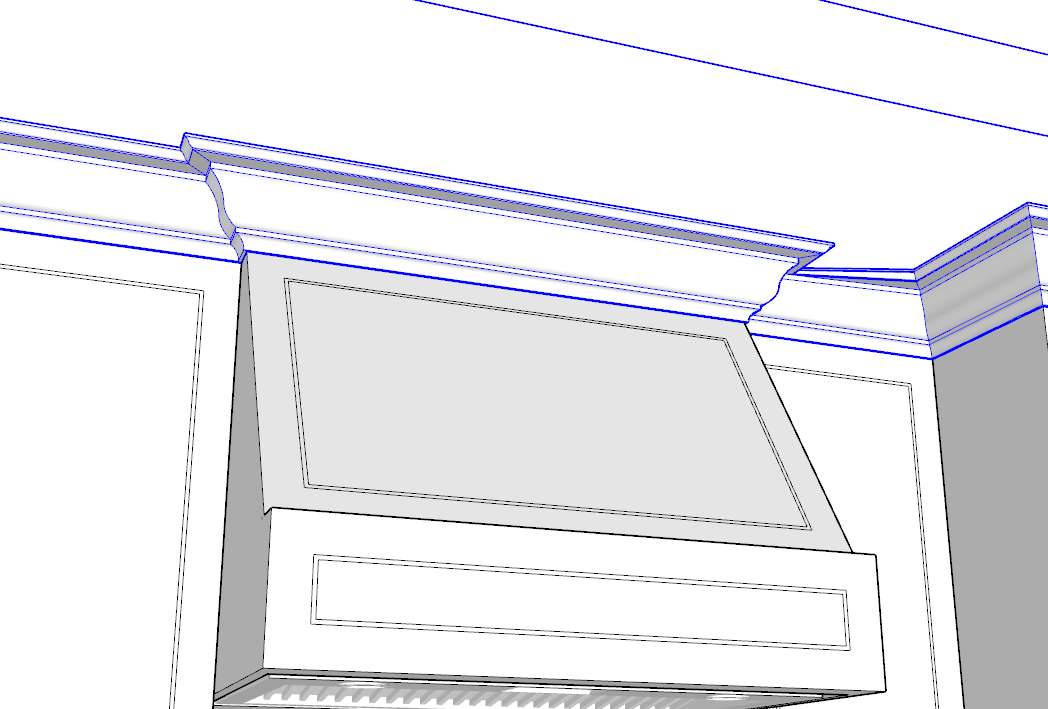
I'm new to Profile Builder so am probably just doing something wrong, but when I make a path that has offsets smaller than the profile width, I get bad results. In this screenshot you can see a small offset on the left that is fine, and on the right that is not fine. The bottom part miters correctly but the top is skewed.
Same from above with everything else turned off:
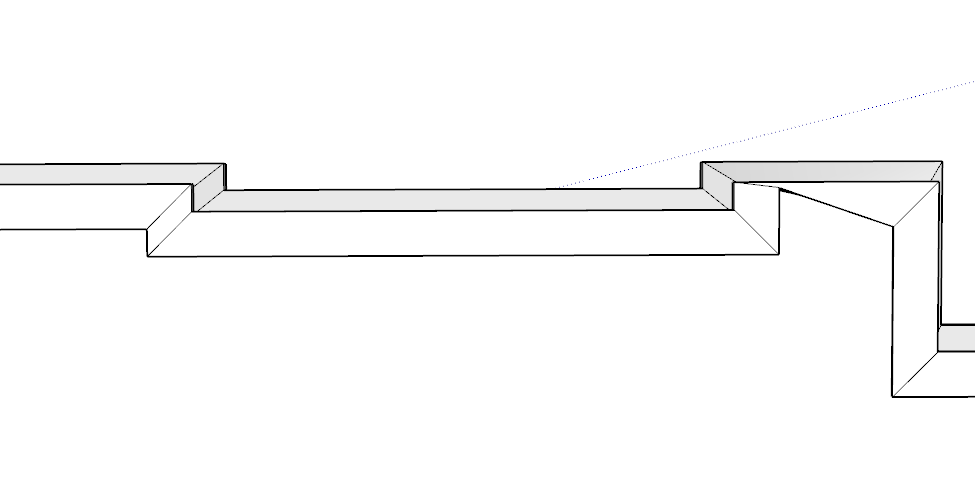
In this case the profile (crown molding) is about 6-3/4" wide, and the offset is 2". The skewed end of the miter is held back to the amount of the offset.
I can't find any way to prevent this, or reason why some work and some don't.
-
On a path with multiple small jogs, it's consistently wrong the same way. On a counter-clockwise path, every small jog to the right is OK, and every small jog to the left is squished. On a clockwise path, it's the same but opposite direction.
One more observation: the molding miters are fine when using regular SketchUp "follow me."
-

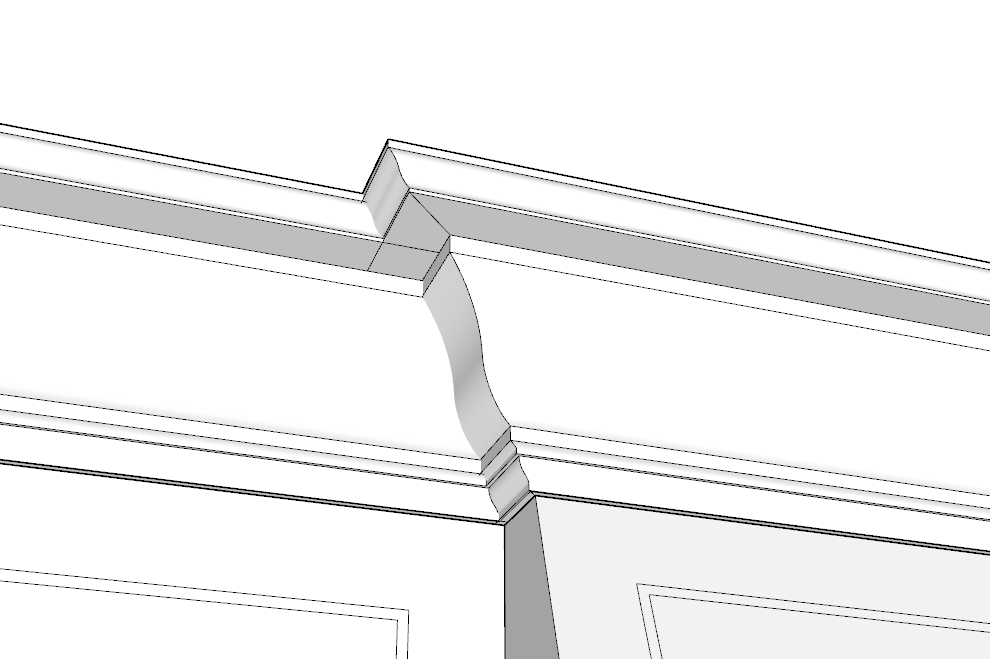
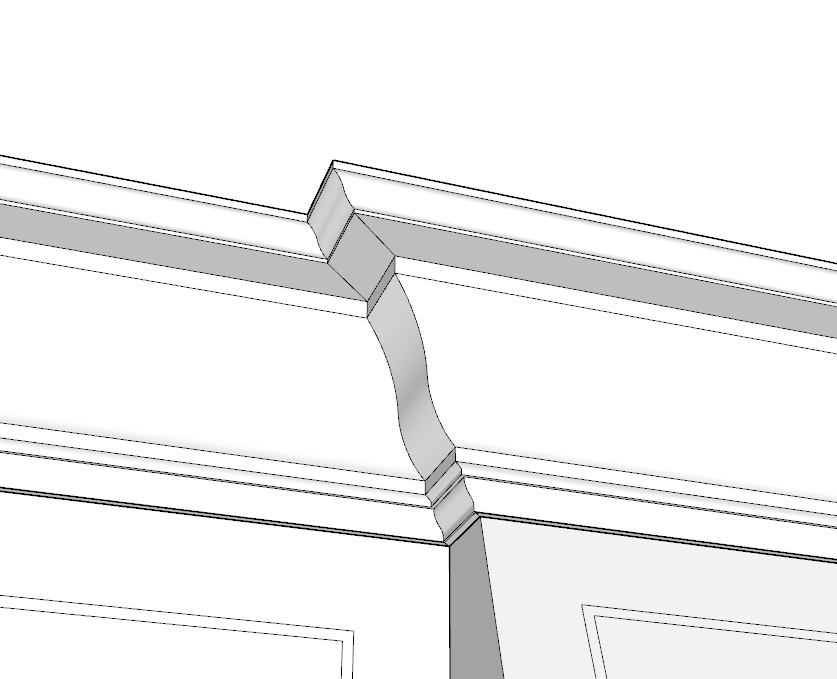
Hi David - you can probably prevent this from happening if you create the bump-put portion as a separate Profile Member rather than having a continuous one throughout. Visually, it should look OK unless viewed from behind. If you send me a link to the model, I can show you what I mean.
Please sign in to leave a comment.
Comments
5 comments