Skimp does not show after installation.

I am trying to use the 5 day trial on sketchup Pro 2026. I receieved the email with the serial, and downloaded the extension file then installed it through the extension manager. It never asked for the serial key, and the tool doesn't show up anywhere in the program. I have tried uninstalling the plugin, redownloading it, and reinstalling it, but no luck.
-

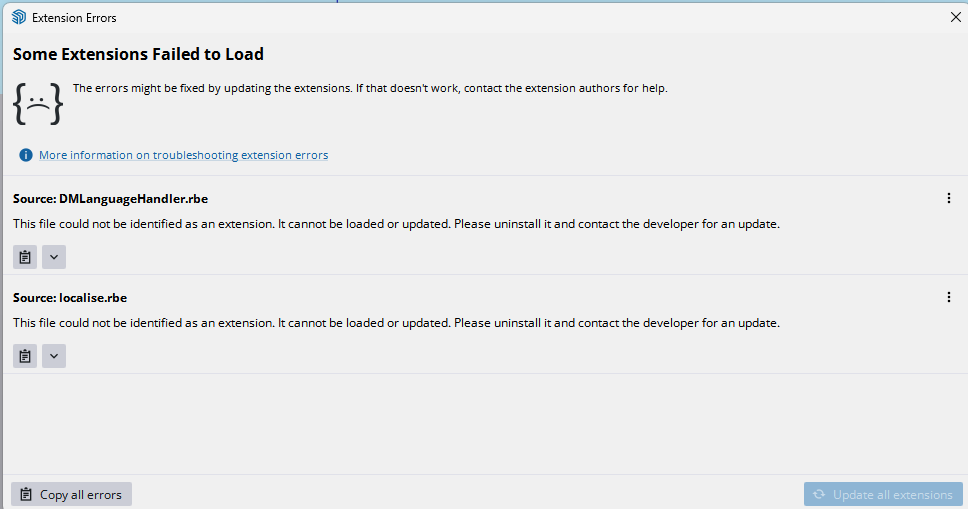
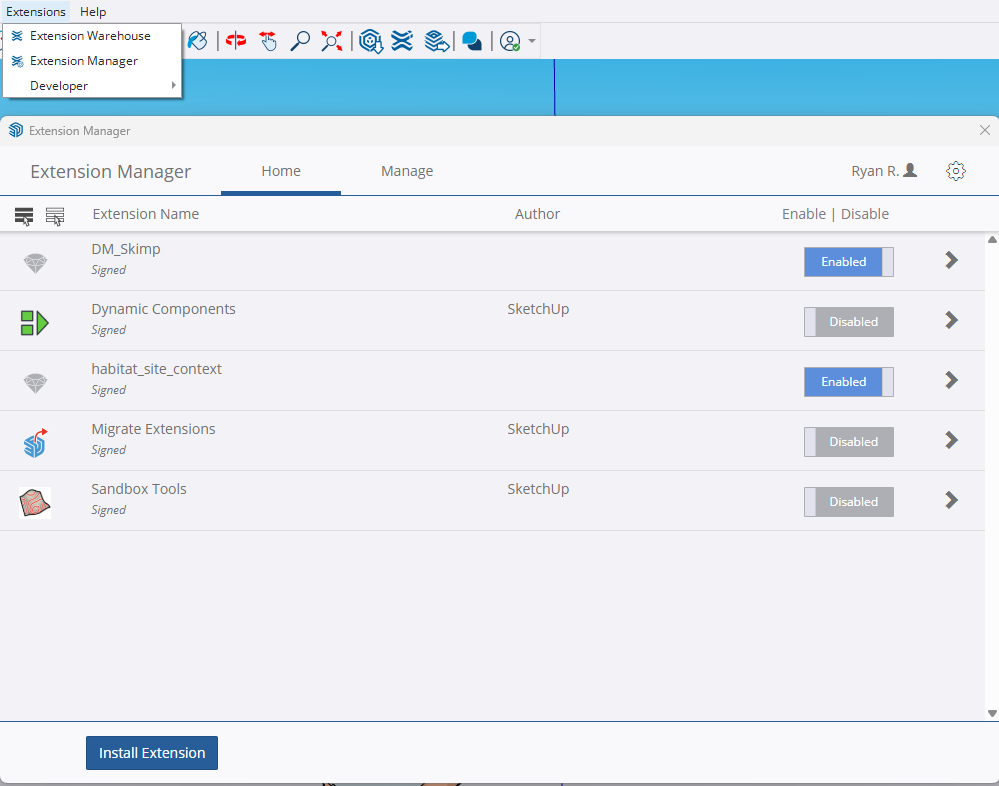
Hi Ryan - thank you for the screenshots. I wonder if localise.rbe is causing the problem. Try this:
- Uninstall habitat_site_context (this is probably the source of localise.rbe).
- Restart SketchUp
- Skimp hopefully now loads and SketchUp 2026 should automatically install the new Add Location extension for you.
I think you may have migrated an old version of 'Add Location' called habitat_site_context and this is triggering the error.
Please sign in to leave a comment.
Comments
4 comments